← Back to Blogs
Introduction
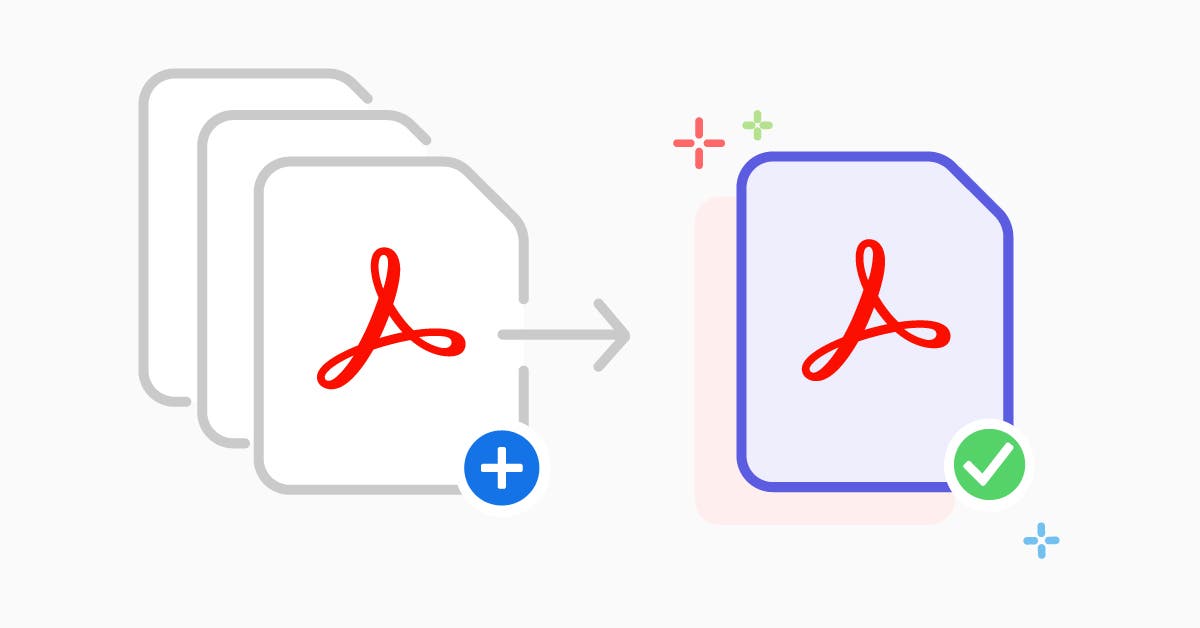
Merge PDF makes combining several PDF files into a single, well-ordered document quick and simple. Use it to join reports, invoices, slides, contracts, or any PDF pages — no software installation required.
Try Merge PDF now → https://doccraft.pro/merge-pdf
Why Merge PDFs?
- Keep related documents together (reports, invoices, chapters).
- Share one file instead of multiple attachments.
- Prepare printable bundles or portfolios.
- Improve organization and version control.
Key Features
- Free & Online — no account needed.
- Unlimited files (subject to size limits).
- Drag & Drop reorder pages easily.
- High-quality output — original formatting preserved.
- Fast processing — merges in seconds.
- Secure — files auto-delete from server after processing.
- Download options: PDF output instantly ready to save.
How to Use — Step by Step
- Open the tool: go to https://doccraft.pro/merge-pdf
- Upload files: click “Choose File†or drag & drop multiple PDFs from your computer or device.
- Reorder: drag thumbnails to arrange files/pages in the desired sequence.
- Optional settings: select page ranges from each file if you only need certain pages.
- Merge: click the “Merge PDF†button to combine files into one document.
- Download: save the merged PDF to your device and share as needed.
Best Practices & Tips
- Rename source files with a prefix (01-, 02-) when merging many documents to keep order clear.
- If you only need certain pages, use the page-range option to reduce file size and clutter.
- For presentations, preview merged PDF before download to ensure slide order is correct.
- Compress the final PDF if you need smaller file size for emailing or uploading.
- Check for sensitive data before merging and remove or redact if necessary.
Use Cases
- Combine weekly reports into a single monthly PDF.
- Merge contract pages and annexes before sending to clients.
- Create a single portfolio from multiple design files.
- Join scanned pages into one searchable document.
Security & Privacy
- All uploads are processed over HTTPS.
- Files are removed from servers after processing (temporary storage only).
- Do not upload extremely sensitive documents unless you control deletion policies — use local tools for strict compliance.
Call to Action
Ready to merge? Use the free online merger at https://doccraft.pro/merge-pdf — fast, secure, and easy to use.
Want more guides?