Introduction
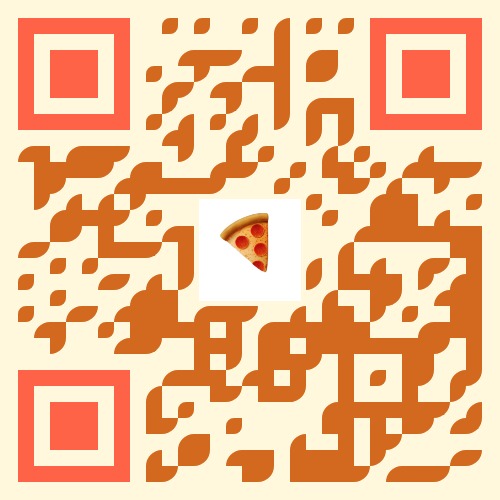
QR codes are everywhere — from restaurant menus to business cards, product packaging, websites, WiFi sharing, and marketing campaigns. But plain black-and-white QR codes look boring and outdated. With our QR Code Generator, you can create beautiful, customizable, theme-based QR codes with colors, gradients, patterns, and even your own logo. Whether you want a stylish QR code for branding or a simple one for quick sharing, this tool gives you complete control.What Makes Our QR Code Generator Unique?
- 🎨 Custom Designs & Themes — Choose from creative themes like Classic, Pizza, Burger, Fruit, Coffee, Sushi, Donut, Ice Cream, and more.
- 🎯 Dot Style & Patterns — Square, Rounded, Dots, Classy, Elegant, Bubble and other patterns to match your brand style.
- 🌈 Advanced Color Control — Customize dot color, background color, corner color, or apply gradients.
- ðŸ–¼ï¸ Add Your Logo — Upload PNG, JPG, or SVG (up to 2MB) for branded QR codes.
- 💾 Export in Multiple Formats — Download as PNG, JPEG, or SVG.
- 📱 Multiple QR Types Supported — Text, URL, Email, Phone, SMS, WiFi, vCard, Location.
- âš™ï¸ Adjustable Settings — Control QR size, logo size, and margin for perfect results.
Step-by-Step Guide: How to Create a Custom QR Code
-
Open the QR Code Generator
Visit: https://doccraft.pro/qr-code-generator -
Select the QR Code Type
Choose what your QR should do: URL, Text, Email, Phone, SMS, WiFi, vCard (contact), or Location. -
Enter Your Data
For example: paste a website URL, type a short message, or fill vCard contact details. -
Choose a Theme
Pick from Classic, Pizza, Burger, Coffee, Sushi, Donut, Ice Cream, and other themes. -
Customize Dot Style & Pattern
Pick Square, Rounded, Dots, Classy, Elegant, Bubble, etc. -
Set Colors & Background
Customize dot color, background color, corner color, or use gradient options. -
Add Your Logo (Optional)
Upload a PNG/JPG/SVG logo (max 2MB) to center in the QR for brand recognition. -
Adjust Sizes
Choose QR size (e.g. 300px), logo size (percentage), and margin. -
Generate Your QR Code
Click the Generate Beautiful QR Code button and preview the result. -
Download
Export as PNG, JPEG, or SVG and use it anywhere—print or web.
Supported QR Types
Our generator supports the following formats:
- Text
- URL
- Phone
- SMS
- WiFi (SSID & password)
- vCard (contact card)
- Location (latitude & longitude)
Best Uses for Custom QR Codes
- Restaurant menus and ordering links
- Product packaging and promotional materials
- Business cards (vCard) to share contact details quickly
- Event posters and flyers
- Storefront displays and POS systems
- WiFi sharing for guests
- Direct links to portfolios or payment pages
Tips for Creating Effective QR Codes
- Use high contrast between the QR dots and the background.
- Don’t make the QR too small — 300px is a good starting point for print.
- Test the QR with multiple devices before printing.
- If adding a logo, keep it small (10–20%) so scanning reliability remains high.
- Provide a short text fallback (like a short URL) near printed QR codes.