← Back to Blogs
Introduction
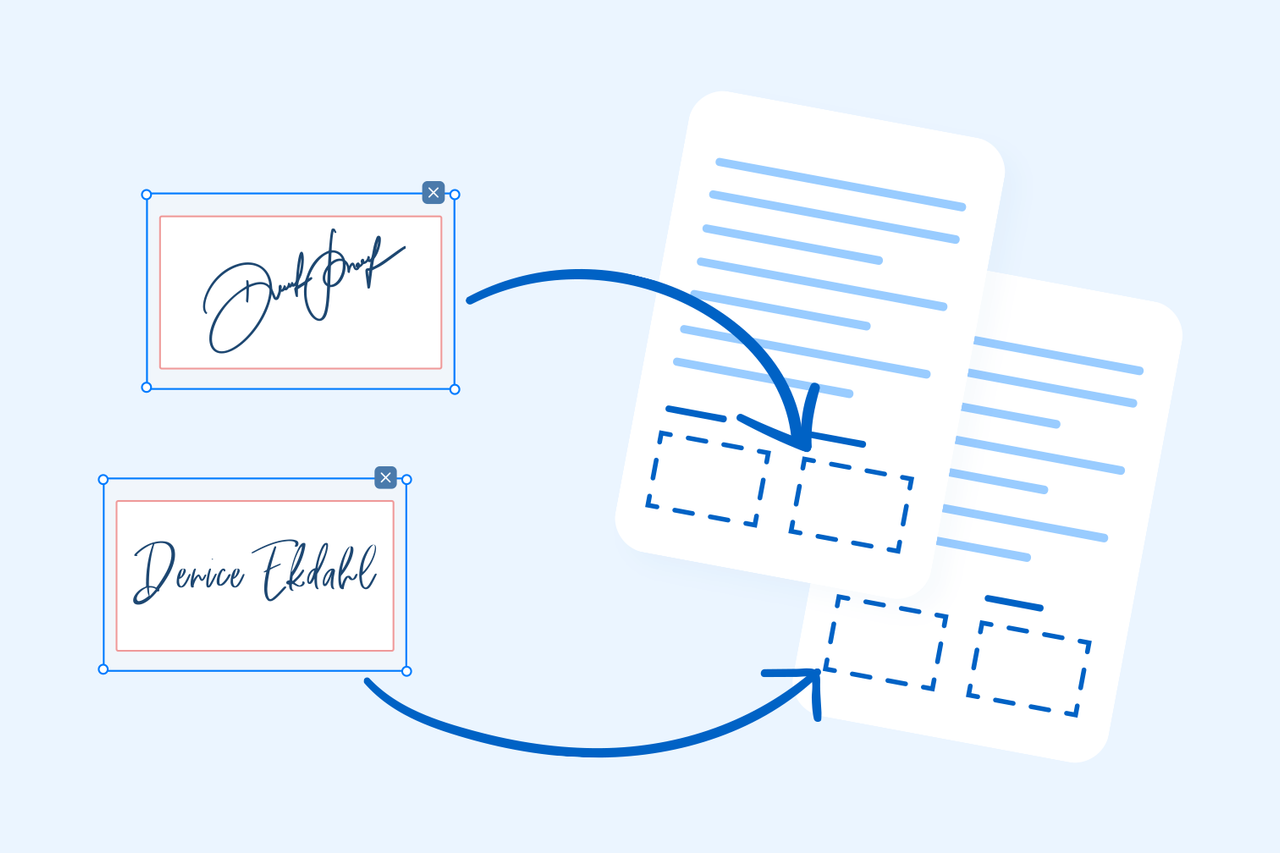
Signing documents digitally has become essential for business, freelancing, contracts, agreements, and personal use. With our free Sign PDF tool, you can add your signature to any PDF in seconds — no printing, scanning, or software installation needed.
Why Use an Online PDF Signature Tool?
• Save time by avoiding printing and scanning
• Sign documents from anywhere, on any device
• Add a handwritten, typed, or uploaded signature
• Perfect for contracts, invoices, agreements, and approvals
• 100% free and secure
How to Sign a PDF Online
1. Upload the PDF you want to sign
2. Choose your signature type:
• Draw signature
• Type your name
• Upload an image of your signature
3. Place the signature anywhere on the page
4. Adjust size, style, and position
5. Download the signed PDF instantly
Key Features
• Add unlimited signatures
• Supports PNG, JPG, and SVG signature uploads
• Works on mobile and desktop
• Smooth drawing experience
• High-quality output without watermarks
When Should You Sign a PDF?
• Freelancing contracts
• Business agreements
• Online approvals
• Legal documents
• Invoices & receipts
• HR documents
• School or office forms
Tips for Creating a Clean Digital Signature
• Use a trackpad or touchscreen for smooth drawing
• If uploading, use a transparent PNG image
• Write your signature in good lighting for clarity
• Keep the signature size readable but not oversized
Conclusion
Signing PDFs has never been easier. Our Sign PDF tool gives you a fast, secure, and professional way to sign any document online. Upload your file, add your signature, and download instantly — all for free.
Try it now: Sign PDF